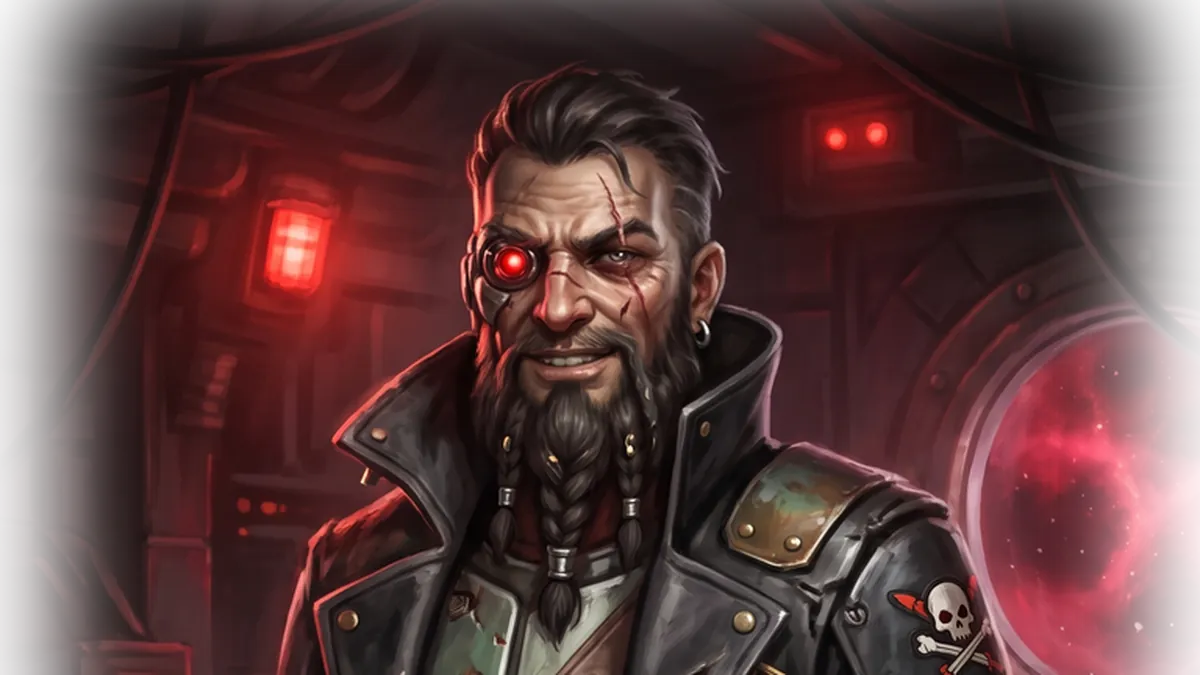
Version 0.3.0 is out, and it's the biggest update to Space Seas so far. It brings the first battle item, the stasis missile. It adds a new mission giver who wants you to go hunting other captains. And it reworks most of the screens you use between fights. This post covers everything that changed since 0.2.0, including the 0.2.2 and 0.2.3 patches.
Both the browser build and the Windows launcher are updated. Your client will ask you to update if you're still on an older version.
Battle items: the Stasis Missile
Battle items are single-use consumables you bring into a fight. They sit in your ship's hold like any other cargo. Anything you don't use comes home with you when you extract. If your ship is destroyed, they spill out with the rest of your cargo.
The first one is the Stasis Missile. It doesn't do any damage. It shuts your target down instead:
- Lock on, then fire. You need a completed lock, and there's a 3 second cooldown between uses.
- It leaves a stasis field where it detonates. The field has a radius of 120 and lasts 8 seconds.
- Everything inside slows down. Ships drop to 35% speed and 50% turn rate and bleed off extra velocity, even if they're just coasting. Homing missiles caught inside slow down too.
- It can be shot down. Point defense treats it like any other missile, so pick your moment.
Use battle items from the two new item slots on the bottom bar (keys 4 and 5), or click one in the in-battle hold panel (Tab). A slot is greyed out if you have no lock or it's still cooling down. You can buy stasis missiles on the Market for Credits or Dark Matter, or earn them from Captain Blackwake (below). The missile also got a speed boost just before release so it can catch fleeing targets.
New mission chain: Captain Blackwake
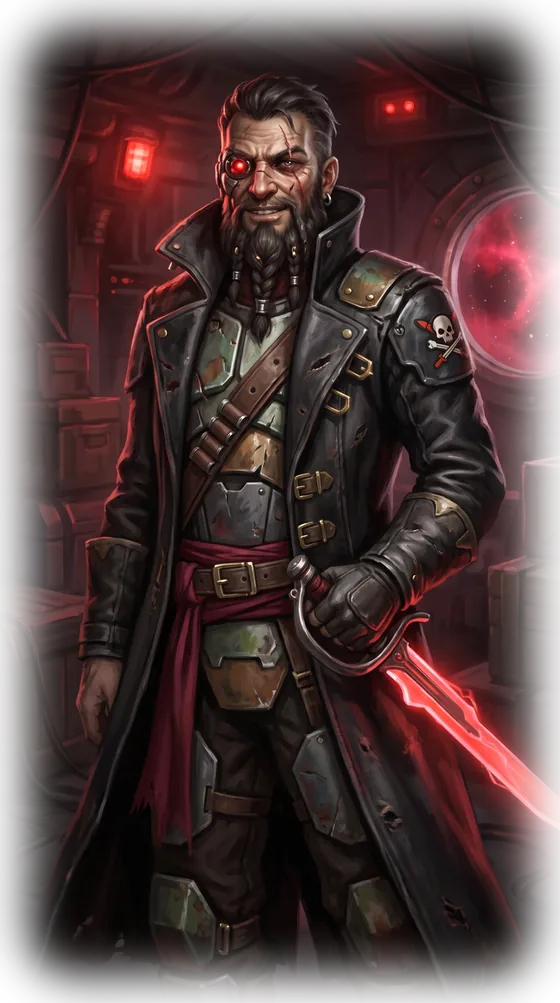
A new mission giver has shown up, and he doesn't fly under anyone's flag. Captain Blackwake's missions use a new destroy ships objective. Kills count against any hull flown by another player or a bot. Destroying your own ship doesn't count. As with every mission, a kill only counts once you extract.
"Scuttle one ship - player or drone-brained bot, I don't care whose flag it flies. And get out alive, or it never happened."
Captain Blackwake
| Mission | Objective | On accept | Reward |
|---|---|---|---|
| First Blood | Destroy 1 ship | - | 300 Credits |
| Raiding Party | Destroy 3 ships | 150 Credits, 1 Stasis Missile | 50 Dark Matter, 5 Components |
| Scuttle the Fleet | Destroy 5 ships | 2 Stasis Missiles | 100 Dark Matter, 5 Electronics |
| Standing Bounty (repeatable) | Destroy 3 ships | - | 2 Stasis Missiles |
After you finish the chain, Standing Bounty is a steady source of stasis missiles for anyone who likes to hunt.
A redesigned Missions window
Every mission giver now has a portrait. Admiral Vane and Foreman Jax got new art to go with Captain Blackwake's.
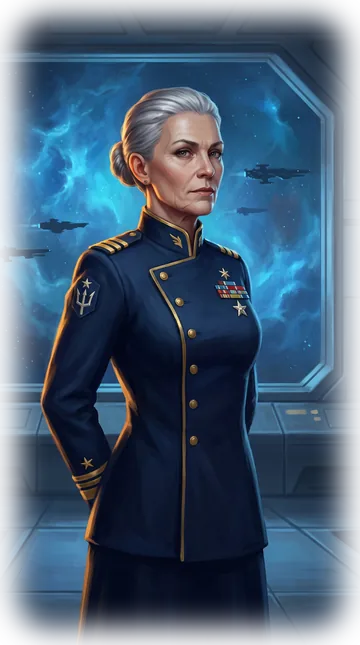
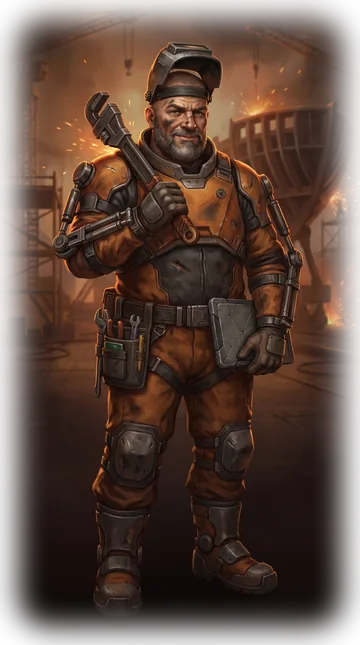
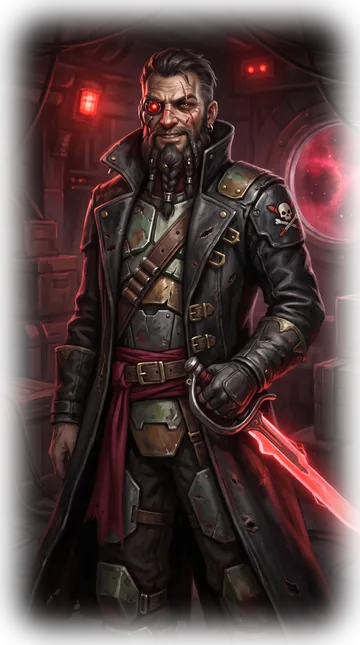
The Missions window is now split into two steps:
- Pick a speaker. Each mission giver has a card with a headshot, their current mission, and its status.
- Talk to them. Picking a card shows that speaker's full portrait, their current mission, and its dialog. The portrait follows whoever is speaking in the current line.
- No more skipped endings. When you claim a mission, it stays on screen with a Next Mission button, so you get to read the completion dialog.
Inventory, hold, and market
Every item in the game now has its own icon. You'll see them on shipyard tiles, in the battle hold, in the item slots, and in the Market.




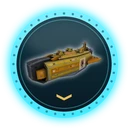
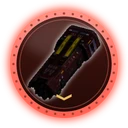
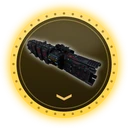
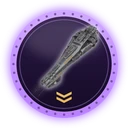
- In-battle hold viewer. Press Tab during a fight to see what's in your hold and how full it is. It doesn't block your ship controls.
- Shipyard tile grids. The shipyard's Hold and Inventory columns now use the same tile layout as the battle hold. Click a tile to select it, then use the action bar below to load or unload 1 or 10, or convert a token into a ship. Your inventory now shows even if you don't have a boat selected, so a new player with no ships can still convert a token.
- Unload All. One button empties a boat's hold into your inventory. If an item would go over its storage limit, only what fits gets moved and the rest stays in the hold. The other items still unload.
- Compact Market. Rows now show the item's icon, its name, how many are listed, and how many you own. Click anywhere on a row to open it. Listings are laid out in columns (quantity, unit price with a currency icon, seller). The sell currency dropdown shows readable names.
- New listings. Mining Frigate Tokens and Stasis Missiles can now be traded for Credits or Dark Matter.
Combat balance
Lock-on range now matches detection range for every ship. If you can see it, you can lock it:
| Ship | Old lock range | New lock range |
|---|---|---|
| Combat Drone | 350 | 1000 |
| Mining Frigate | 500 | 1800 |
| Combat / Laser / Missile Frigate | 650 | 1500 |
| Combat Cruiser | 800 | 1750 |
| Missile Drone | 1000 | 1500 |
| Combat Battleship / Battleship Drone | 1000 | 2000 |
Now that you can lock targets from farther away, there's a new check to go with it. Weapon mounts and battle items can't be armed if your target is out of their reach, and a small badge marks each one that's out of range.
- Light torpedoes now have 10 health instead of 1, so a volley no longer blows itself up.
- Combat Cruiser torpedo mounts fire one torpedo per shot instead of a two-shot burst.
- Lock reticles no longer stay stuck on drones and asteroids after you unlock or switch targets.
Fixes and under the hood
These fixes shipped in the 0.2.2 and 0.2.3 patches and are all included in 0.3.0:
- Fixed the ESC menu not responding in the Windows build. You also can no longer open it over the loading screen.
- Fixed a battle server crash when a ship warped in while a destroyed or extracted player was still in the battle.
- Fixed a browser build error at startup that blocked every request before the "please update" dialog could appear.
- The browser build is smaller and loads faster.
- Your client version now shows on the home screen, next to your player ID.
- The game server moved to a new HTTP layer (Bandit). You shouldn't notice anything, and that's the point.
Thanks for playing. See you out on the space seas.